Synchronize Credit Bureau Reporting
In many cases, when you begin to report credit, you start off reporting to a single credit bureau. Perhaps you have been reporting to this bureau for quite a while. Now, you would like to begin sending reports to a new additional bureau. The accounts are considered new accounts as far as this new bureau is concerned. In Collect! your accounts will have to be flagged as new accounts for your first report to the new credit bureau. Yet this does not change their status as current accounts with the original bureau. To accomplish this, Collect! uses the Sync To New Credit Bureau function.
A few steps are necessary to synchronize your credit bureau reporting. This only has to be done once, the first time you report to a new bureau. Before synchronizing, do your normal credit bureau report to the bureau you are already reporting to and make sure you mark the contacts done.
 To try out this feature, it is best to use a copy of your database or use the Demonstration database. You should be familiar with credit bureau reporting and already be reporting to at least one credit bureau.
Credit Bureau Setup
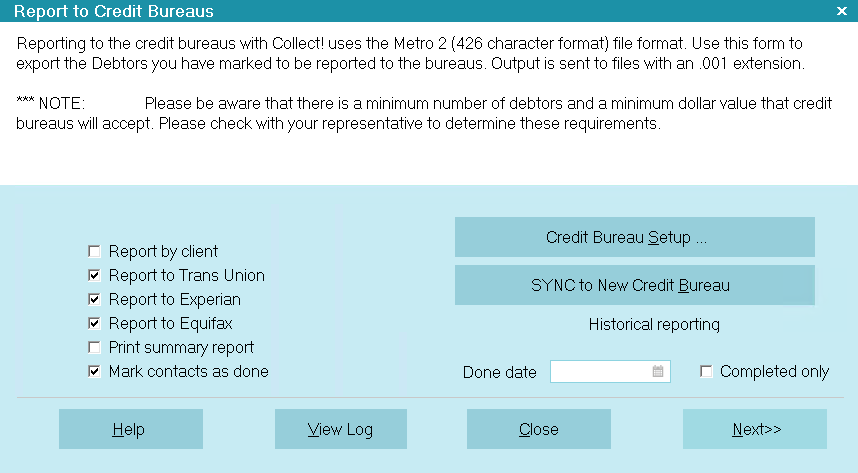
Sign into Collect! Select Tools from the top menu bar. This will display a list of choices. Select Credit Report from the list to display the Report To Credit Bureaus form. Select the button labeled Credit Bureau Setup to display the Credit Bureau Setup form. Enter setup information for the new credit bureaus as shown below. We have used default settings for each area as an example.
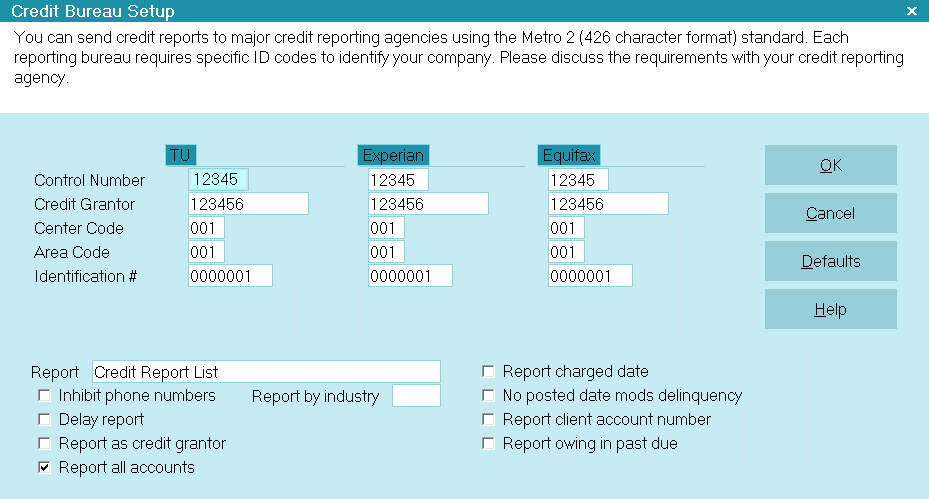
Select the OK button to return to the Report To Credit Bureaus dialog. Place a check mark in the box next to the new credit bureau you about to synchronize. (You can synchronize two if you wish. This is a good idea if you intend to report to the third one in the future.) Also put a check mark beside: Mark contacts as done
Select the button labeled SYNC to New Credit Bureau.
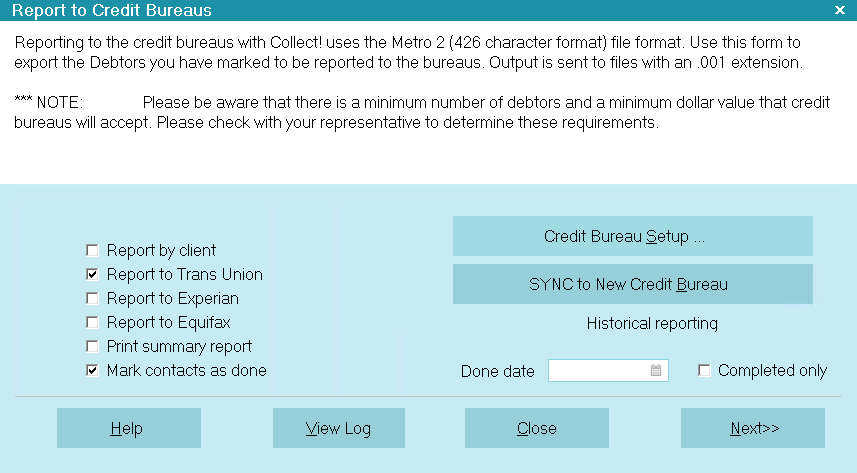
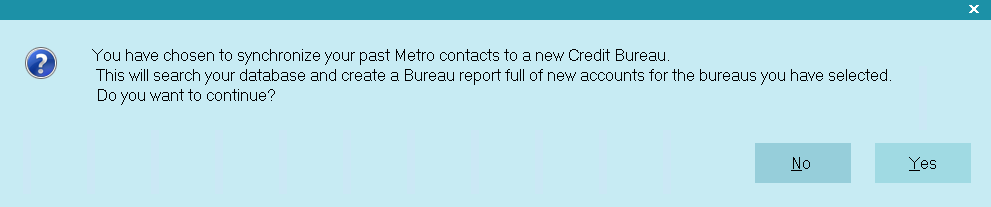
Select Yes each time you are prompted as in the screen shots below.
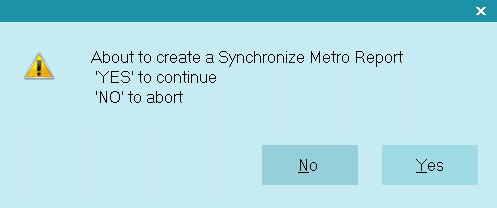
Print the summary report to the printer. Complete the steps to generate the report and mark the contacts done.
Go back and open the debtors that you reported. Examine the contacts for each debtor. You will see that there is a Synchronize Metro contact and it has been marked done. The next time you report your accounts to the bureaus, you can report to both bureaus (or three, if applicable) at the same time. Simply select them and Collect! will prepare a report for each bureau.